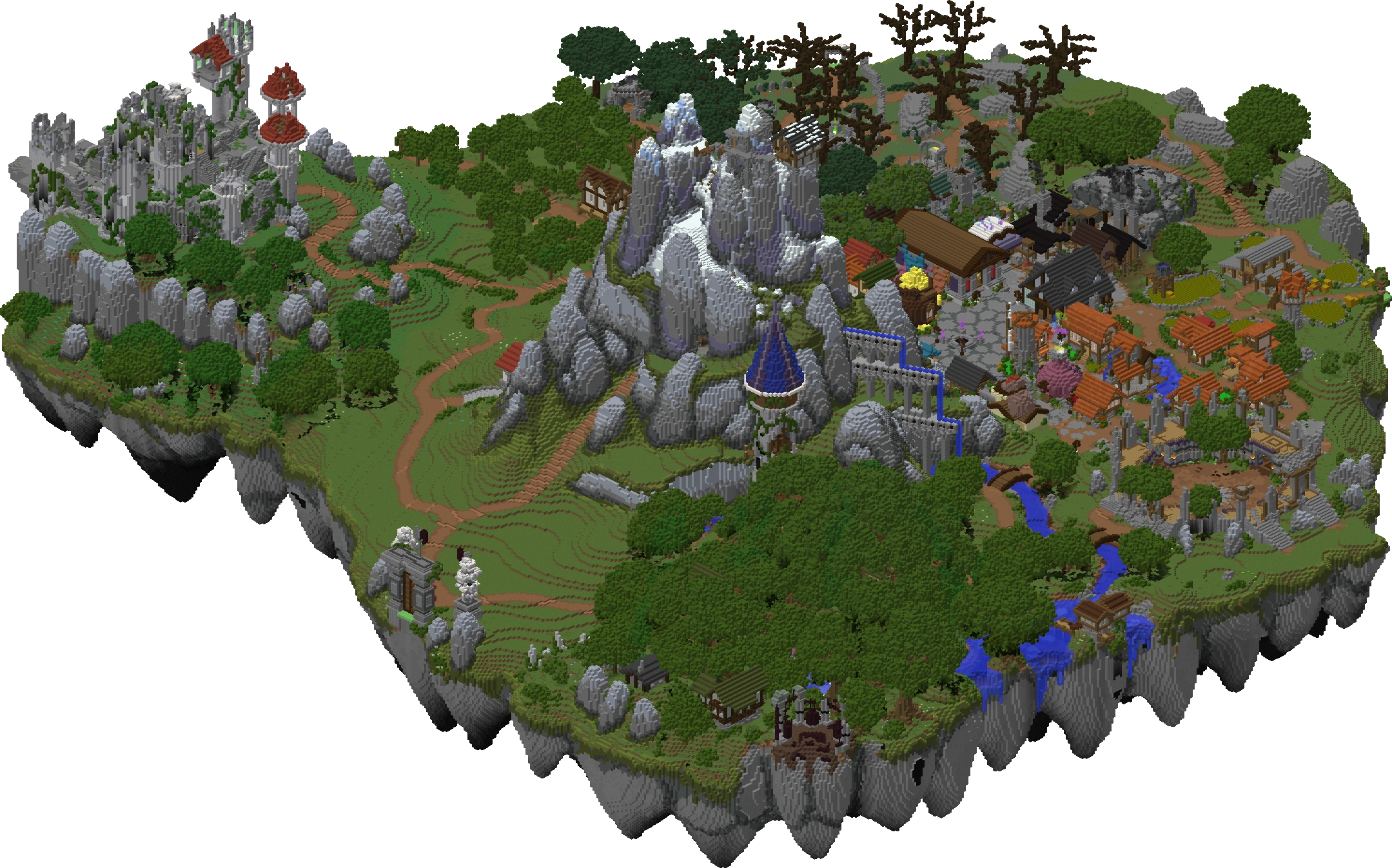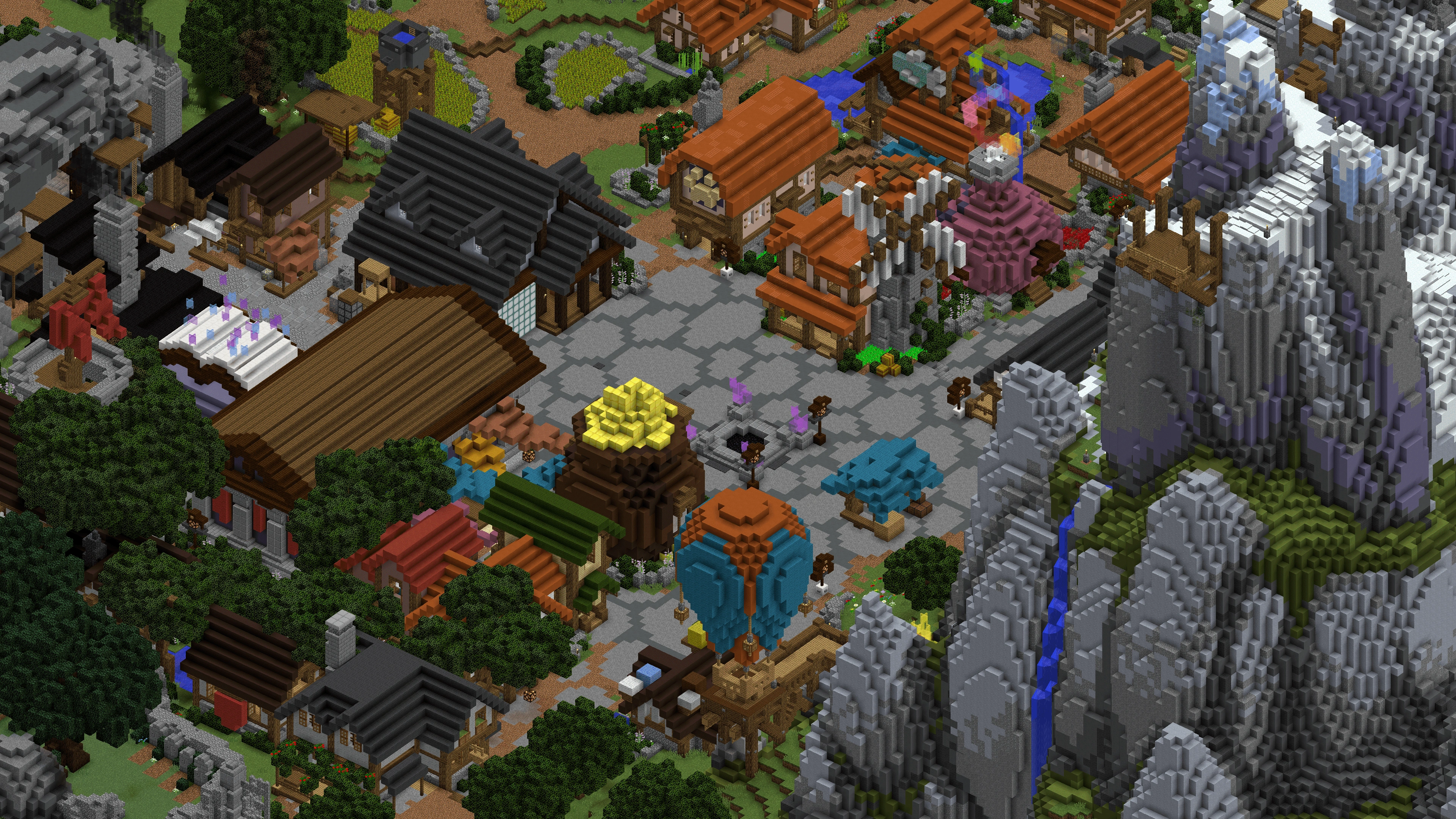

Complex Gaming
Beginner Guide
Last updated: July 10, 2026
Navigate Pixelmon, Skyfactory, FTB, and more on Complex Gaming at mc.complexgaming.org.
How to Join Complex Gaming
Complex Gaming runs multiple modded servers under one network. Connect to mc.complexgaming.org in Minecraft Java, then use hub NPCs or the /server command to browse available modpacks.
Each sub-server requires the matching modpack installed locally. Download links are on the Complex Gaming website (complexgaming.org) or Discord — never use third-party modpack downloads to avoid malware.
Pixelmon Reforged
Pixelmon combines Pokémon mechanics with Minecraft exploration. Catch wild Pokémon, train them through battles, and challenge gyms across the modded world.
Install the Pixelmon Reforged modpack version listed on Complex Gaming's site. Start by crafting Poké Balls (apricorns + iron), heal at a healer block, and explore villages for loot. Type matchups matter — build a balanced team of 6 Pokémon.
SkyFactory and Skyblock Modpacks
SkyFactory packs drop you on a void island with a single tree. Use sieves to get materials from gravel, sand, and dust. Progress through barrels, automation, and power generation.
Follow the in-pack quest book religiously — it rewards items and teaches each mod step by step. Prioritize cobblestone generation, then automate dirt, saplings, and ore processing before scaling into power and storage.
FTB Modpack Servers
Complex Gaming hosts several FTB packs including FTB Skies, FTB Oceanblock, and All the Mods variants. Each has quest-guided progression through tech and magic mods.
Open the quest book immediately on join. Focus on one tech path (Mekanism, Create, Applied Energistics 2) and one magic path (Botania, Ars Nouveau) rather than trying every mod at once.
Switching Between Servers
Use /server <name> or hub portals to switch between Complex Gaming sub-servers without disconnecting. Your inventory does not carry over — each modpack world is separate.
Install only the modpacks you plan to play to save disk space. Complex Gaming rotates seasonal packs — check Discord for new additions and retiring servers.
Multiplayer and Claims
Chunk-claim your base on each modpack to prevent griefing. Use FTB Chunks or the pack's built-in claim system. Coordinate with neighbors on shared power grids or item networks.
Join the Complex Gaming Discord for each modpack's dedicated channel. Report crashes with your latest.log file for faster support.
Performance and RAM
Allocate 6–8 GB RAM in your launcher for heavier modpacks like All the Mods 9. Lighter packs like SkyFactory 4 run on 4 GB. Use the Java version recommended by each pack.
Lower render distance and disable shaders if FPS drops. Performance mods (FerriteCore, ModernFix, Embeddium) are included in most Complex Gaming packs.
General Modded Tips
Back up your world before major pack updates. Read the /motd and Discord announcements for wipe schedules. Economy and trading vary per sub-server — some have player shops, others are pure survival.
Don't be overwhelmed by mod count. The quest book is your roadmap. One hour of guided questing teaches more than a day of random crafting.
Looking for more? Check our Complex Gaming codes and tier list.
 Codes
Codes Tier List
 Guide
Guide