

Minehut
Codes — Active & Expired
Last updated: September 28, 2026
Verified codes and honest status for Minehut. We only list codes confirmed against official sources — tap to copy.
📋 How to Redeem
- Log in to minehut.com/dashboard with your Minecraft account.
- Go to the Store or Credits section in the dashboard.
- Select a plan upgrade, RAM boost, or credit package.
- Enter a promo code at checkout if one is active (check Minehut Discord).
- Credits apply instantly to your account for server upgrades.
🎁 Active Codes
0 workingNo verified promo codes right now. We only list codes confirmed against official sources — check the FAQ below for free rewards and scam warnings.
📖 Minehut — What to Do Instead
Minehut does not run public promo codes right now. While we monitor for new ones, our Minehut Platform Guide covers how to progress without spending — here are the essentials:
What Is Minehut?
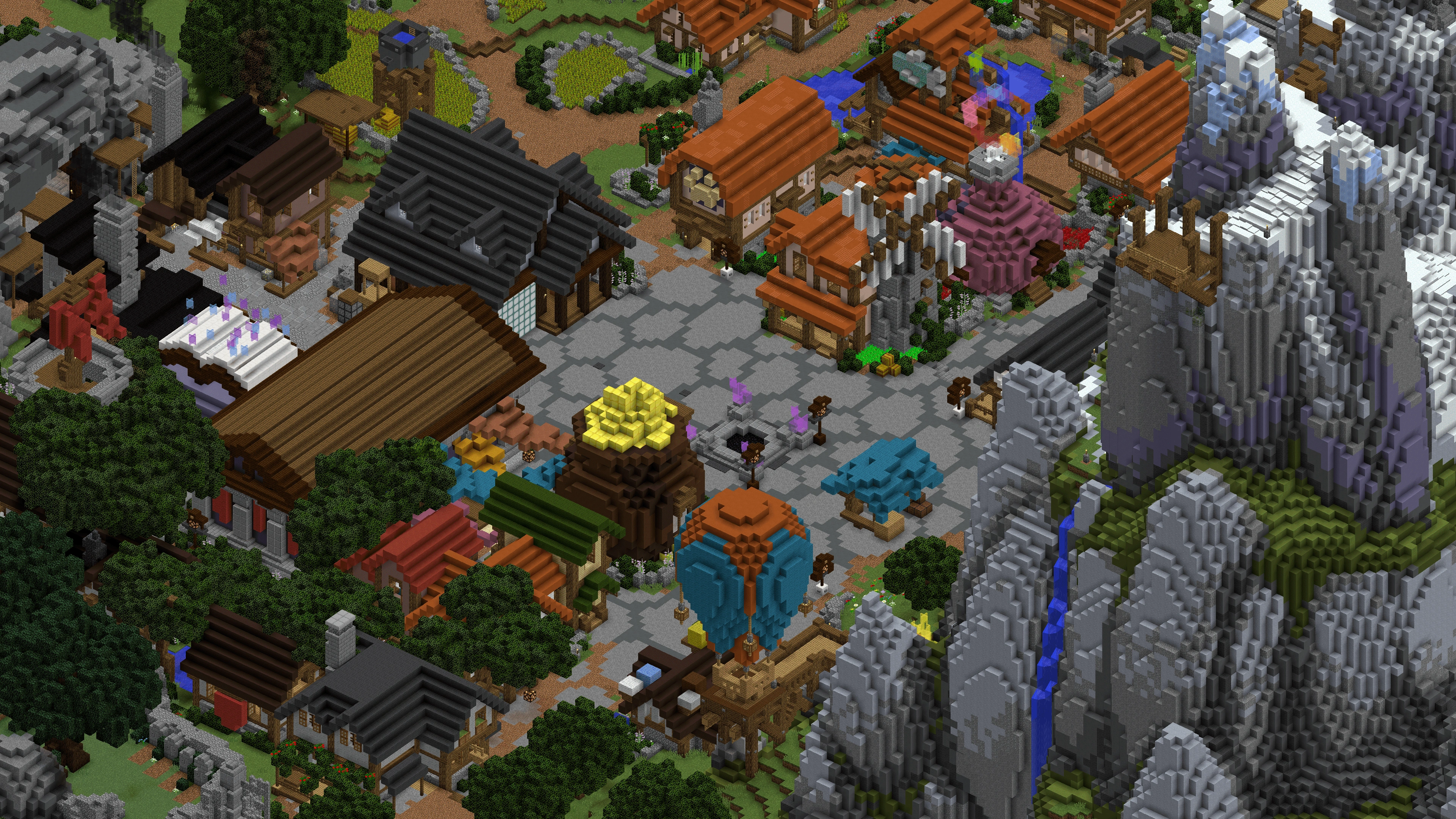
Minehut is a free Minecraft server hosting platform with a public hub at play.minehut.com. Unlike traditional networks, Minehut lets anyone create and host their own server for free with limitations on RAM and uptime. The Minehut hub connects you to featured community servers running minigames, survival, and creative modes. You can also create your own server at minehut.com/dashboard.
Creating Your Own Server
Sign up at minehut.com with your Minecraft account. Click "Create Server" in the dashboard, choose a name, and select a plan (free tier gives limited RAM and daily uptime hours). Install plugins from the Minehut plugin library — EssentialsX, WorldEdit, and LuckPerms are popular choices. Configure server.properties and start your server from the dashboard.
❓ Frequently Asked Questions
Is Minehut really free?
Yes, Minehut offers a free tier with limited RAM and daily uptime hours. Paid plans unlock 24/7 uptime, more RAM, and custom domains. The hub at play.minehut.com is free to play.
How do I create a server on Minehut?
Sign up at minehut.com, click Create Server in the dashboard, choose a name and plan, then start your server. Install plugins from the Minehut plugin library.
Does Minehut support mods?
No. Minehut supports Bukkit/Spigot plugins only. Forge and Fabric mods are not supported. Use a modded network like Complex Gaming for modded gameplay.
Why is my Minehut server in a queue?
Free servers enter a queue during peak hours when Minehut's infrastructure is at capacity. Upgrade to a paid plan for priority startup.
How much RAM does a Minehut server need?
512MB–1GB for 5–10 players with light plugins. 2–4GB for 20+ players or heavy plugin setups. Free tier provides limited RAM.
Are there Minehut promo codes?
Minehut occasionally releases promo codes for dashboard credits via Discord or Twitter. No permanent free codes exist — check official Minehut social channels.
More Games
 10K+
10K+GommeHD
Germany's largest minigame network — CityBuild, Bedwars, and Hide and Seek.
 Codes
Codes Tier List
 Guide
Guide 100K+
100K+Hypixel
The largest Minecraft minigame network — Skyblock, Bedwars, Skywars, and dozens of arcade modes.
 5K+
5K+MCC Island
Official MCC minigame island — Parkour Warrior, Hole in the Wall, and more.
 5K+
5K+MineSuperior
Towny, Skyblock, Lifesteal, and Survival on a transparent player-first network.
 8K+
8K+Origin Realms
Vanilla-plus survival with custom mobs, dungeons, and a cozy community feel.
 3K+
3K+Performium
Survival, Skyblock, and creative plots with a friendly no-grief community.